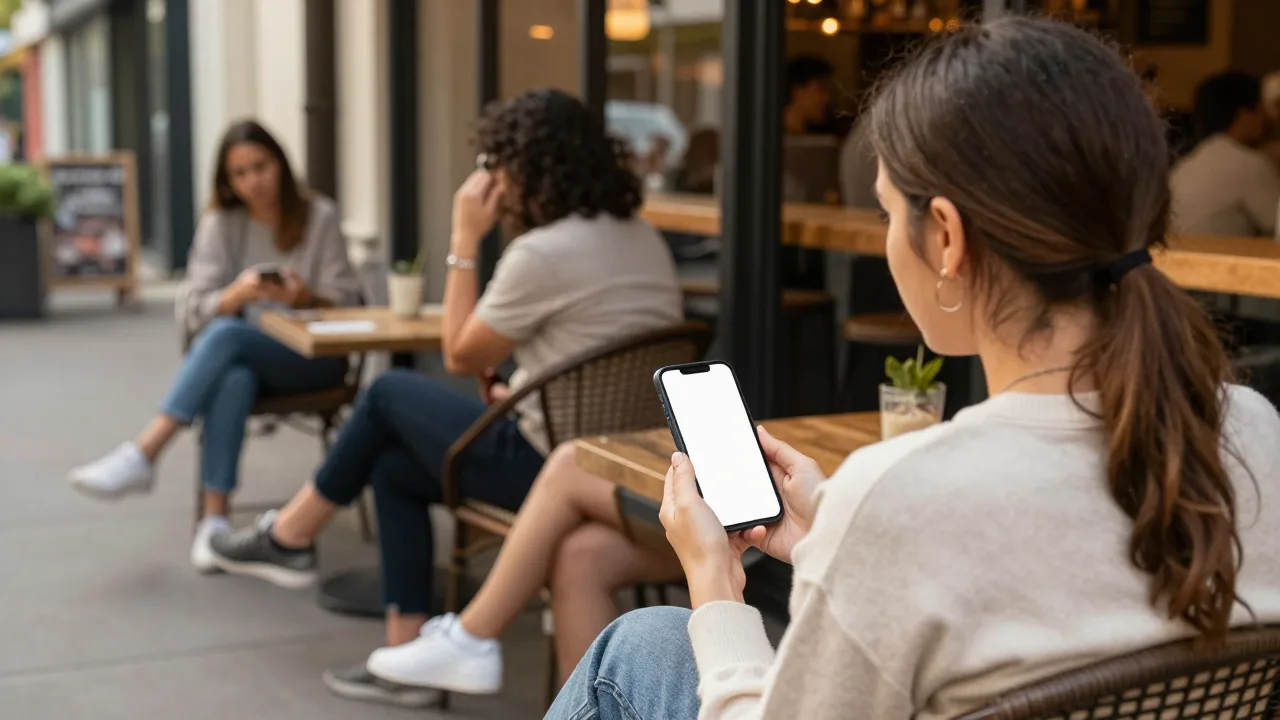
Virtual queuing is a waitlist that lives in software instead of on a clipboard, and notifies guests by text message instead of a buzzing plastic coaster. A party joins at the host stand or by scanning a code, receives a confirmation text with their position and quoted wait, and gets a second text the moment their table is ready.
That is the whole mechanism. What makes it worth 2,000 words is everything that changes downstream once the guest is no longer physically tethered to your lobby — the quote accuracy, the walkaway rate, the size of the crowd at your front door, and the data you end up sitting on at the end of the night.
How a Text-Based Waitlist Actually Runs
Strip away the marketing and every virtual queuing system runs the same six-step loop. Knowing the loop is what lets you evaluate vendors honestly, because the differences between platforms live in the details of steps three and five, not in the concept.
- Join. The host enters party size and a mobile number at the stand, or the guest scans a QR code on the door and enters it themselves. Ten seconds either way. Party size is the only field that must be accurate, because it drives everything downstream.
- Confirm. The guest immediately receives a text: their position in line, the quoted wait, and usually a link to a live status page. This text is doing real psychological work — it converts a verbal promise into something the guest can look at, which is why systems that skip it see more people hovering at the host stand.
- Quote. The system estimates the wait from live table status and historical turn times for that party size, rather than from the host’s gut. This is the step that separates a real waitlist platform from a group-texting app.
- Wait anywhere. The party leaves. They walk the block, sit in the car with the air conditioning on, or grab a drink two doors down. Your lobby empties out, which quietly makes the restaurant look calmer to everyone walking past.
- Page. When a table clears, the system fires the ready text — typically with a return window attached, such as "your table is ready, please check in within 8 minutes."
- Close the loop. The host marks the party seated, and the system records the actual wait against the quote. That single data point, collected a few hundred times a month, becomes the engine that makes every future quote sharper.
Notice that steps one through five are guest-facing and step six is not. Operators shopping for a system almost always evaluate the first five and ignore the sixth — which is backwards, because step six is the only one that compounds.
What It Replaces, and What It Does Not
Virtual queuing is usually pitched as a pager replacement. That framing is half right, and the half it gets wrong causes most of the disappointment operators report six months in.
Against the Clipboard
The paper waitlist has exactly one advantage: it never loses signal. Everything else about it is a liability. Names get illegible, quoted times are never written down so nobody can audit them, and the list dies at the end of the shift, taking every piece of demand data with it. A restaurant running paper genuinely cannot answer the question "how many parties did we lose last Friday between 7:00 and 8:00?" — not because the answer is hard, but because the evidence was thrown away.
Virtual queuing takes the same 15 seconds at the stand and produces a permanent, timestamped record. That is the upgrade that matters most and gets discussed least. For the broader operational picture, our guide to virtual queue management for restaurants covers how that record feeds the rest of the floor.
Against the Hardware Pager
Here is where the comparison gets more interesting, because hardware pagers are genuinely good at their one job. They are instant, they work with zero cell signal, and a guest cannot mistake a vibrating coaster for spam. What they cannot do is let a guest leave. A pager typically has a 300 to 1,000 foot working range, which means your guests stay in a tight radius around the front door whether or not there is anywhere pleasant to stand.
Text-based queuing trades range for reach: unlimited distance, but dependent on carrier signal and on the guest actually looking at their phone. Many operators land on a hybrid — text as default, a small pager fleet for the guest who says "my phone is dead." We break the tradeoff down further in wireless guest pagers vs. text notification.
What It Does Not Replace
Virtual queuing does not create tables, and it does not fix a kitchen that runs 12 minutes behind on tickets. If your real constraint is throughput rather than communication, a text-based waitlist will make the wait more pleasant and better measured — it will not make it shorter. Operators who expect otherwise are the ones who describe the rollout as underwhelming.
The Four Numbers That Move
What follows is where the return actually shows up. Track these four before and after and you will know within a month whether the system earned its keep.
- Walkaway rate. Parties who join the list and leave before being seated. Paper-and-lobby operations commonly run 8 to 15 percent at peak. Giving people permission to leave the door usually cuts that to the 4 to 7 percent range, because the wait stops feeling like a punishment.
- Quote accuracy. The gap between quoted and actual wait. Hosts guessing from memory land within five minutes maybe half the time. A system quoting from live turn data typically hits within five minutes on 75 to 85 percent of parties after its first few hundred data points.
- Return lag. The minutes between the ready text and the party physically checking in. This is the number virtual queuing can make worse if you ignore it — a guest three blocks away takes longer to come back than one standing in your doorway. Well-run sites hold it to three to five minutes by paging one table ahead.
- Turn time. Seating to reset. Text-based paging usually shaves one to three minutes per turn simply because the handoff between a table clearing and the next party sitting down stops depending on someone finding a guest in a crowd.
Cedar & Rye — Asheville, NC
A 92-seat neighborhood restaurant in a walkable downtown block, with a lobby that fits maybe a dozen people and a sidewalk that fits nobody once the line spills out.
Before: a paper list, 24 hardware pagers, and a front door that became a bottleneck by 6:45 every Friday. The team counted walkaways by hand for two weeks and found 11 percent of parties left before being seated — roughly 9 covers a night.
After switching to a text-based waitlist: guests were told outright to go wander Lexington Avenue and they would get a text. The lobby emptied. Walkaways fell to 5 percent within seven weeks, quoted waits landed within five minutes on 81 percent of parties, and the team retired all but six pagers, keeping those for guests with dead batteries or no signal.
Key insight: "The surprise was not the technology. It was that our host stopped spending the whole shift managing a crowd and started actually seating people." — Dani Okafor, General Manager
Where Virtual Queuing Quietly Fails
Every honest evaluation needs the failure modes, and vendors rarely lead with them. These are the five that show up repeatedly in the first 90 days.
- Wrong numbers. A digit typed wrong at the stand means a party that never gets paged and a guest who never comes back. Systems that send an instant confirmation text catch this in seconds, because the host can ask "did you get it?" before the party walks away.
- The guest who wandered too far. Unlimited range cuts both ways. If nothing sets an expectation, someone will drive to a store four miles out. Fix it in the confirmation copy: "please stay within a five-minute walk."
- Signal dead zones. Basement dining rooms, stone buildings, and rural single-carrier towns will drop messages. Guest WiFi with an open captive portal solves most of it; a small pager reserve solves the rest.
- Silence read as spam. An unbranded shortcode text from an unknown number gets ignored. Every message should name the restaurant in the first four words.
- Nobody reads the data. The most common failure of all. The system logs every quote, every actual wait, and every walkaway, and then no one opens the report. That is a solved problem that stays unsolved by default.
Read that list again and notice how few of the failures are technical. Four of the five are operational habits, which means they are fixable in a pre-shift meeting rather than a support ticket.
See Why Restaurants Are Switching to KwickOS
KwickOS runs the whole loop — join by QR or host stand, quotes driven by your real turn times, automatic table-ready texts branded with your restaurant name, grace windows for slow returns, and a nightly report showing quote accuracy and walkaways by hour. No app for guests to download, no pagers to charge.
Start Your Free Trial →Standing One Up in a Week
Rollout is genuinely fast, because the guest-facing half requires no training at all. The staff-facing half is where you should spend your attention.
- Day 1 — write the three messages. Confirmation, ready, and nudge. Keep each under 160 characters, lead with the restaurant name, and state the return window explicitly in the ready text. These three strings do more for your walkaway rate than any setting in the admin panel.
- Day 2 — set your quote inputs. Enter honest average turn times by party size. If you do not know them, use 45 minutes for two-tops, 65 for four-tops, and 85 for larger, then let the system correct itself over the first two weeks.
- Day 3 — script the host line. One sentence, said the same way every time: "I have you down for 25 minutes, feel free to walk around, you will get a text." Guests need explicit permission to leave, or they will stand in the doorway anyway.
- Day 4 to 7 — run parallel. Keep the paper list going alongside for one week. It costs nothing and it converts skeptical staff faster than any training deck, because they watch the two lists agree.
- Day 8 — read the first report. Pull quote accuracy and walkaways by hour. Adjust turn-time inputs where quotes ran short. Then put that review on the calendar weekly, because this is the step everyone drops.
What makes this sequence work is the order: messaging first, math second, script third, data last. Teams that start with the admin panel and never write the host script get a working system that guests still ignore. If you want the waitlist to also handle ordering and payment from the same thread, our partners cover letting guests text to order, book, and pay from the same conversation.
How It Fits the Rest of the Front Door
A text-based waitlist is one component of a front-of-house system, not the whole thing. It sits between your reservation book and your floor management — taking the walk-in demand your reservations do not cover and routing it to tables as they clear. When it is connected to live table status, the ready text can fire automatically the moment a table is reset instead of waiting for a host to notice.
That connection is where the last few minutes of savings live. It also means the wait experience stops depending on how sharp your host is at 8:15 on a Saturday. For the strategic layer above all of this, see how it plugs into running a restaurant waitlist end to end, and for the guest-side psychology of why a measured wait feels shorter than an unmeasured one, our piece on the psychology of waiting is the natural companion. If you are still weighing formats, waitlist apps vs. pagers lays the options side by side.
The Bottom Line
Virtual queuing is a small mechanical change — a text instead of a buzz — with a disproportionate operational footprint. It empties your lobby, it gives guests their time back, it replaces a host’s guess with arithmetic, and it leaves behind a permanent record of demand you previously threw in the trash at close.
It will not manufacture tables and it will not rescue a slow kitchen. But if your problem is that people are leaving your line, that your quotes are wrong, or that you cannot answer basic questions about your own peak hours, the fix is not more seats. It is knowing exactly who is waiting, telling them the truth about how long, and letting them spend that time somewhere better than your doorway.